
Instructions for installing the FuelMor Driver App v2 (FDA v2) onto a device that has Android operating system.
First verify that the tablet has cell service.
1. On your Android device, open Google Play Store.
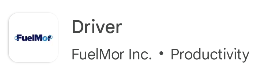
Search for "FuelMor Driver" and click on Install.
--------------------------------------------
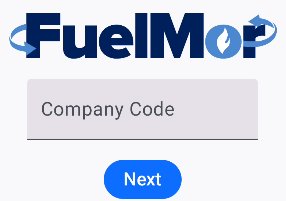
2. After installed, click on Open. Enter company code, click on "Next".
---------------------------------------------
3. Sign in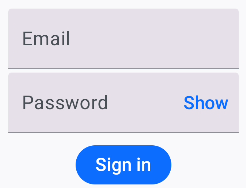
---------------------------------------------
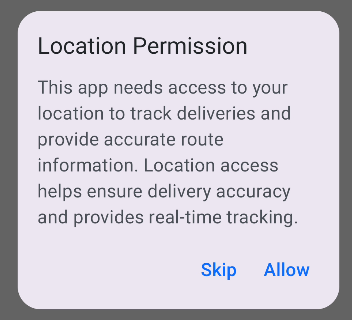
4. Location Permission. Click on "Allow"
---------------------------------------------
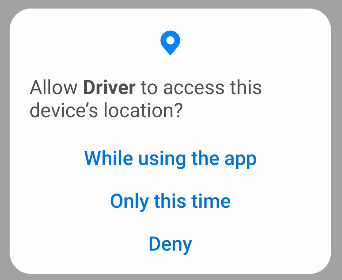
5. Allow Driver to access this device's location? Click on "While using the app"
--------------------------------------------
6. Install completed.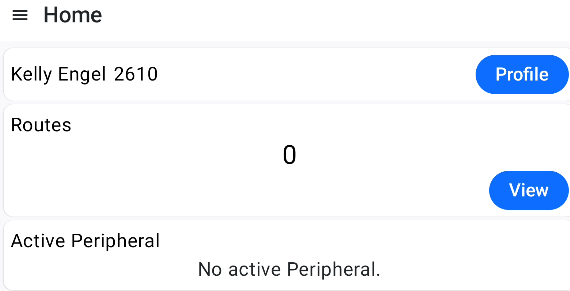
Click here for other topics covering FDA v2